
Connectors
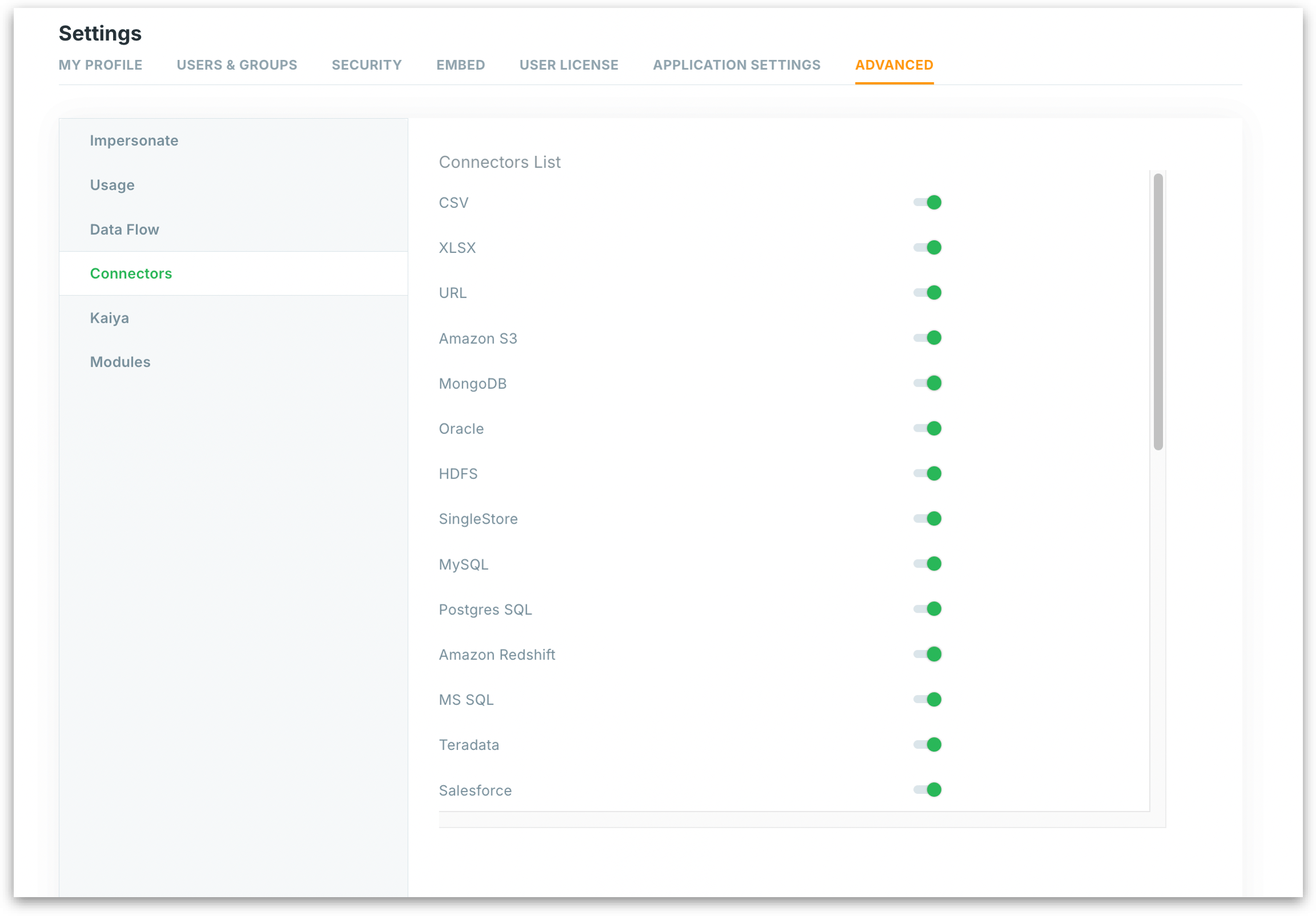
Choose which data source connectors people can use to bring data into Tellius, grouped by type, with one switch per connector.
Under Settings → Modules → Data → Connectors, super users decide which data source connectors are offered across the workspace. Each connector has its own switch. When a connector is turned off, it no longer appears in the list of connectors on Data → Connect, so nobody can start a new connection with it.

Connector groups
The connectors are grouped the same way as on Data → Connect:
File & web connectors
CSV, XLSX, JSON, XML, Unstructured Txt
Cloud Data Warehouses
Snowflake, Redshift, BigQuery, Azure Synapse, Teradata, Alloy DB
Relational Databases
MySQL, Postgres SQL, MS SQL, Oracle, EXASOL, SingleStore, CloudSQL MySQL, CloudSQL Postgres, CloudSQL MSSQL
Lakehouses
Databricks Delta Lake, Spark SQL, Hive, HDFS, Dremio
Object Stores
Amazon S3, Azure Blob Storage
APIs & Integrations
Salesforce, JDBC, URL, Looker
Others
FTP, MongoDB
Turn connectors on or off
Turn the switch next to each connector on or off.
Select Save at the top right.
Cancel puts every switch back the way it was saved. If you leave the page with unsaved changes, Tellius asks whether to keep editing or discard them.
For how to set up each connection, see Create new datasource. Some connectors have extra settings for the whole workspace, such as the S3 staging area for Redshift. See Connector Settings.
Who can see this page
Only super users see Connectors in Settings. A custom role reaches it with Manage system under Administration. See Custom roles.
In releases before Tellius 6.4
This list was under Settings → Advanced → Connectors.
Was this helpful?