
Data Flow
Turn the Dataflow capability on or off for your whole Tellius deployment from Settings, Modules, Data.
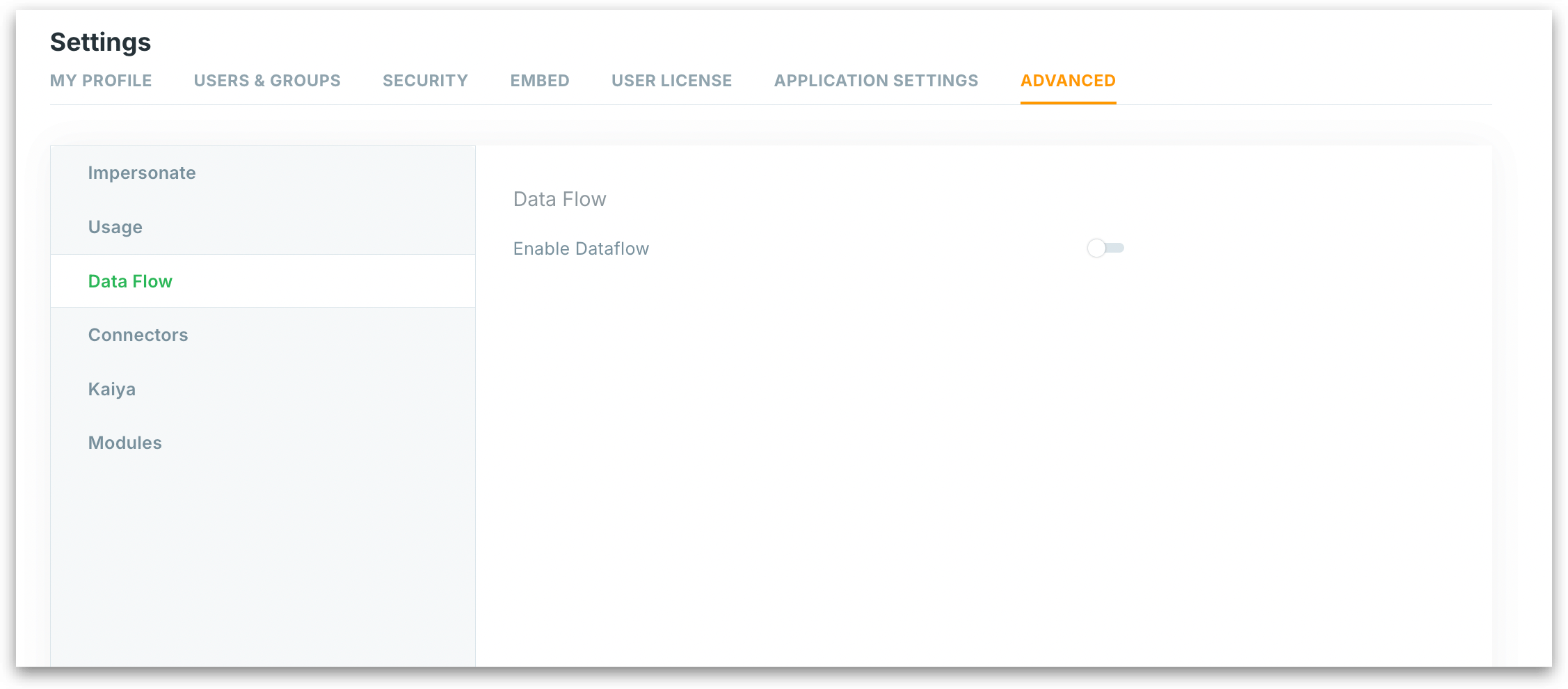
Under Settings → Modules → Data → Data Flow, super users turn the Dataflow capability on or off for the whole deployment. The page has one switch, Enable Dataflow. The setting applies to every user in the workspace, not to one person.

Change the setting
Turn Enable Dataflow on or off.
Select Save. A message confirms the update.
Cancel puts the switch back the way it was saved. If you leave the page without saving, Tellius asks whether to keep editing or discard the change.
Who can see this page
Only super users see Data Flow in Settings. A custom role reaches it with Manage system under Administration. See Custom roles.
In releases before Tellius 6.4
This switch was under Settings → Advanced → Data Flow. It controlled the Dataflow module, which let users design transformation pipelines between datasets, such as joins, filters, aggregations and derived columns.
Was this helpful?